Developer Features
Coinbase Wallet supports the following features for developers. Take advantage of these features in your dapp by integrating with Coinbase Wallet SDK or a library like web3-react.
Multiple access points
You can connect your dapps to Coinbase Wallet on both mobile web (for iOS and Android) and desktop. You can also onboard new users who do not yet have a wallet.
Network support
Coinbase Wallet works with all EVM-compatible L1/L2 networks and supports these features:
- Unified asset balances across all networks
- Add custom network manually or via EIP-3085 (wallet_addEthereumChain)
- Add custom tokens manually or via EIP-747 (wallet_watchAsset)
- Network switching
- EIP-3326 (wallet_switchEthereumChain)
- EIP-3085 (wallet_addEthereumChain)
Additionally, Coinbase Wallet will autodetect all assets held in the user's wallet on certain whitelisted networks.
NFTs
- Near-instant indexing for Etheruem NFTs
- OpenSea API for Polygon NFTs
- ERC-721, ERC-1155 support
- NFT gallery and transfers directly in extension (transfers are Ethereum-only)
Multi-platform
- Chrome Extension, iOS, Android
- Multiple ways to manage keys and sign transactions when interacting with dapps:
Developer Mode
If you're using the standalone version of the Coinbase Wallet extension e.g., you've imported your keys into the browser wallet), you can toggle on developer mode in the settings section:
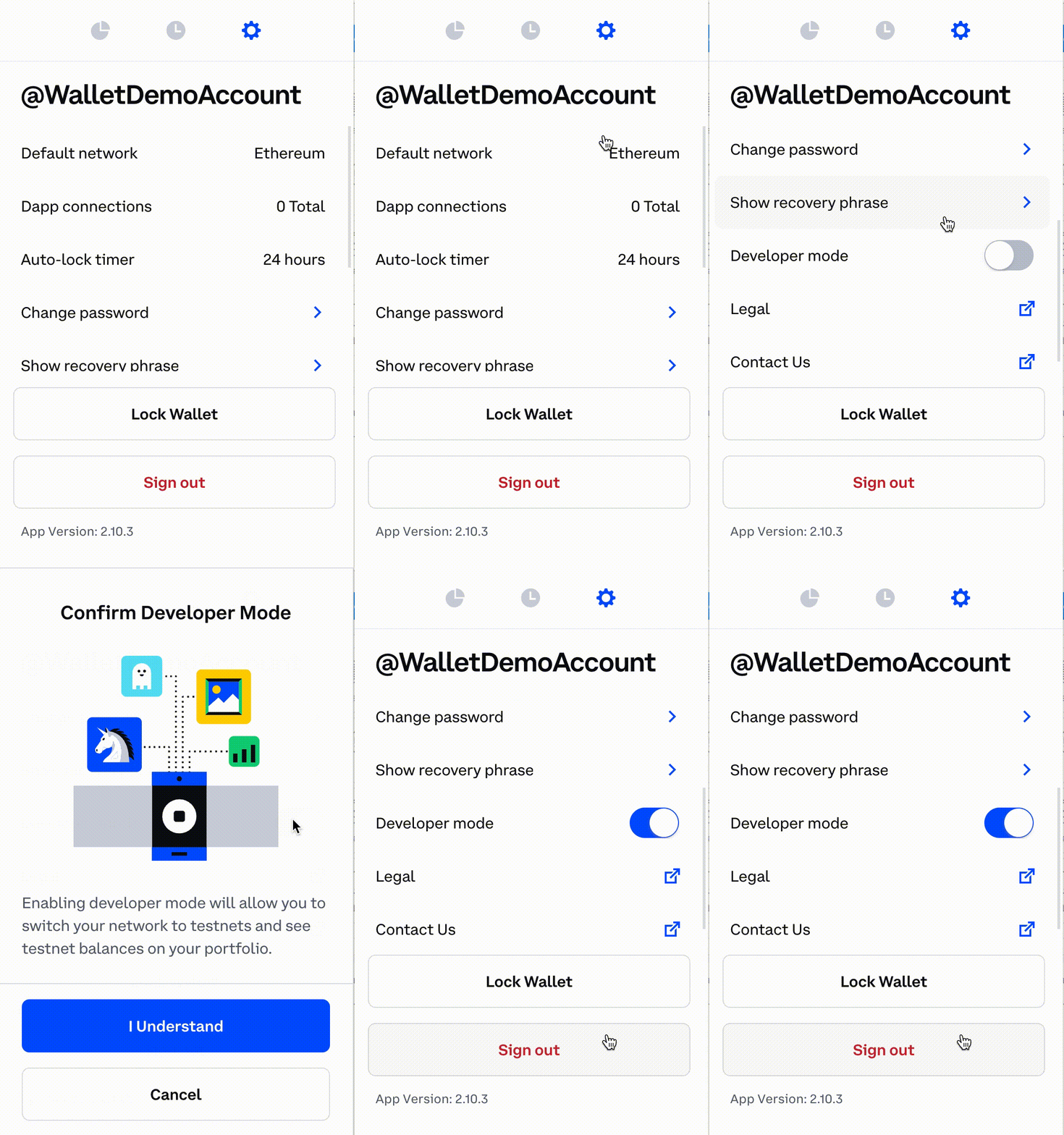
Developer mode allows you to:
- See a unified balance on whitelisted testnet networks
- Connect to localhost networks