2: Stake to with Beta Desktop Wallet
1. Stake to our public validator
-
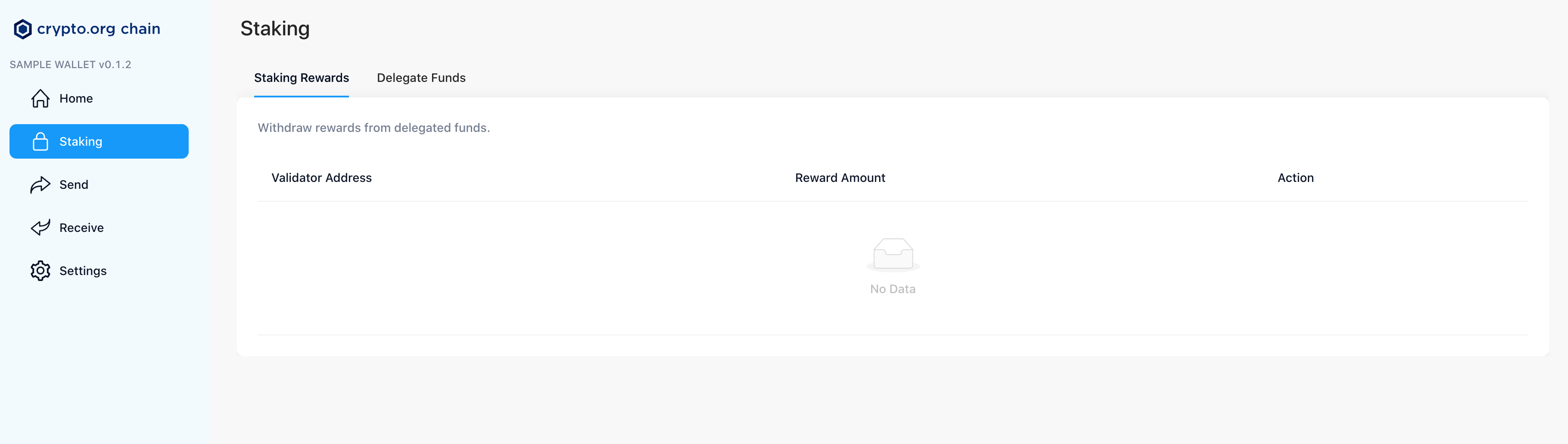
Select Staking from the left menu of the Crypto.org Desktop Wallet web app.
-
Select Delegate Funds at the top of the page.
-
Enter the Coinbase validator address in the Validator address field:
crocncl1v2l4sq3lx998d43rt68nxthkzg56mmmke0u0gc
COINBASE VALIDATOR INFORMATION
Validator name: Coinbase
Validator address : crocncl1v2l4sq3lx998d43rt68nxthkzg56mmmke0u0gc
- Enter the amount of CRO you would like to stake in the Delegation Amount field.
caution
Please leave at least 1 CRO in your account un-delegated to use for the fee to claim delegation rewards
-
Select Review.
-
Enter your Crypto.org Desktop Wallet web app password and select Decrypt Wallet.
-
Select Continue.
-
Confirm the details of your delegation and select Confirm to continue.
Congratulations! You are now staked to the Coinbase validator.