2: Stake to with Daedalus
Stake to our public validator
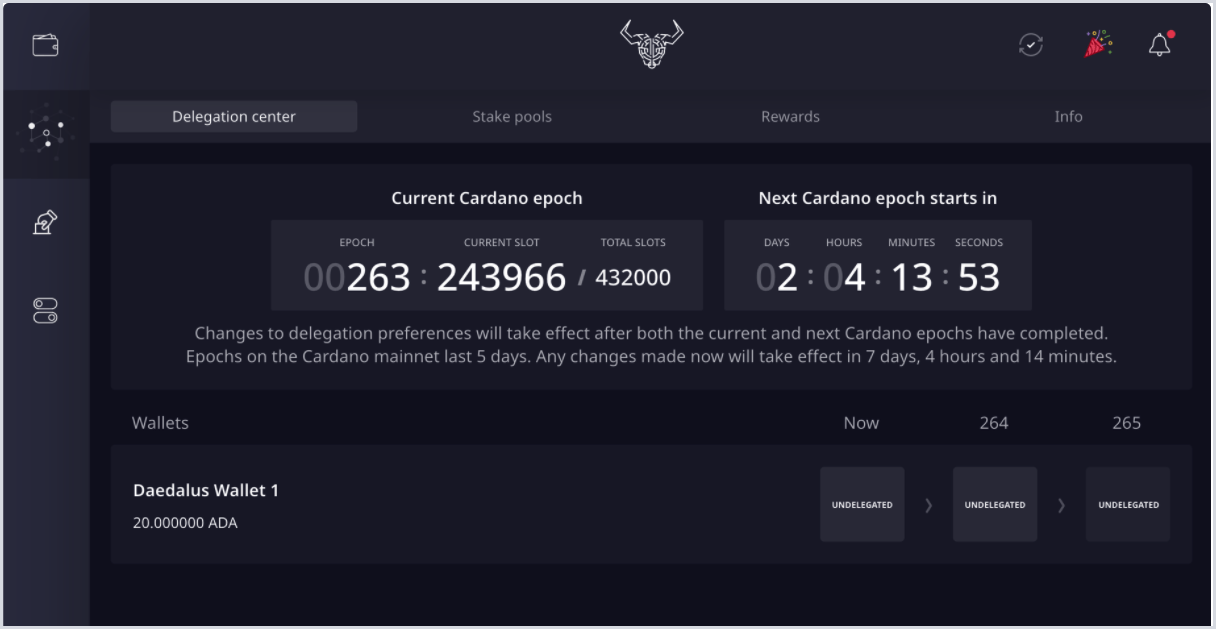
- In Daedalus, select the network icon on the left menu to enter the Delegation center.
-
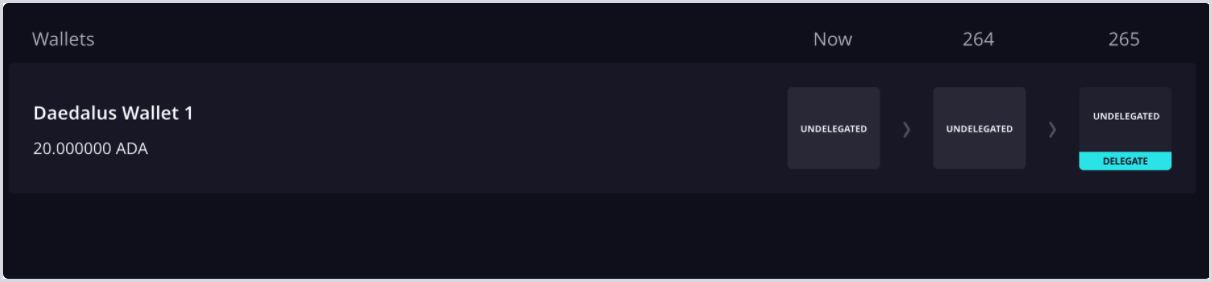
Hover over the third epoch listed to the right of your wallet balance and select the DELEGATE button that appears and select Continue.
-
Choose the wallet you would like to delegate from (if you have multiple) and select Continue.
-
In the Search stake pools field enter the Coinbase Stake Pool Ticker: or Pool ID:
66c1296e3bee372fc37282535eb45710d9c8b96b05248d7ea636352f.
COINBASE VALIDATOR INFORMATION
Stake pool name: Coinbase
Stake pool ticker: CLOUD
Stake pool ID: 6804118fe78be9bf9213b9e829803952be87814d28b305fa52bf11d9
-
Click the pool icon that appears and select Delegate.
-
Enter your wallet password, and select Continue.
Congratulations! You are now staked to a Coinbase validator.