1: Set Up and Fund Daedalus Wallet
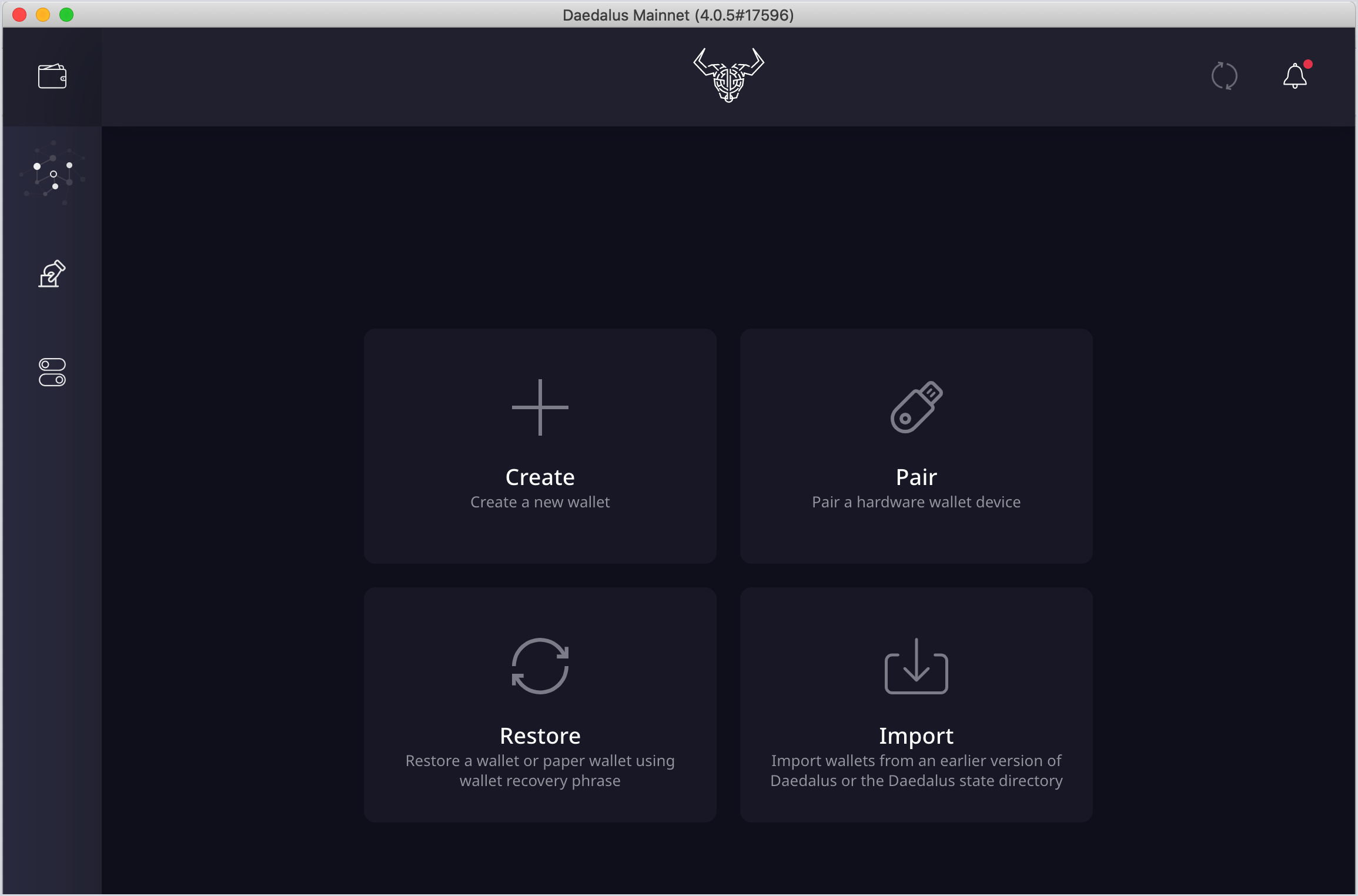
To create a new Cardano wallet...
- Open the Daedalus desktop application and allow it to sync to the Cardano blockchain.
- Select Create and follow the on‐screen prompts to create a new account, password, and mnemonic seed phrase.
Ensure that you store your seed phrase somewhere safe where it cannot be lost or compromised. Your seed phrase is the master key to your wallet; loss or compromise of your seed phrase may result in permanent loss of your ADA.
-
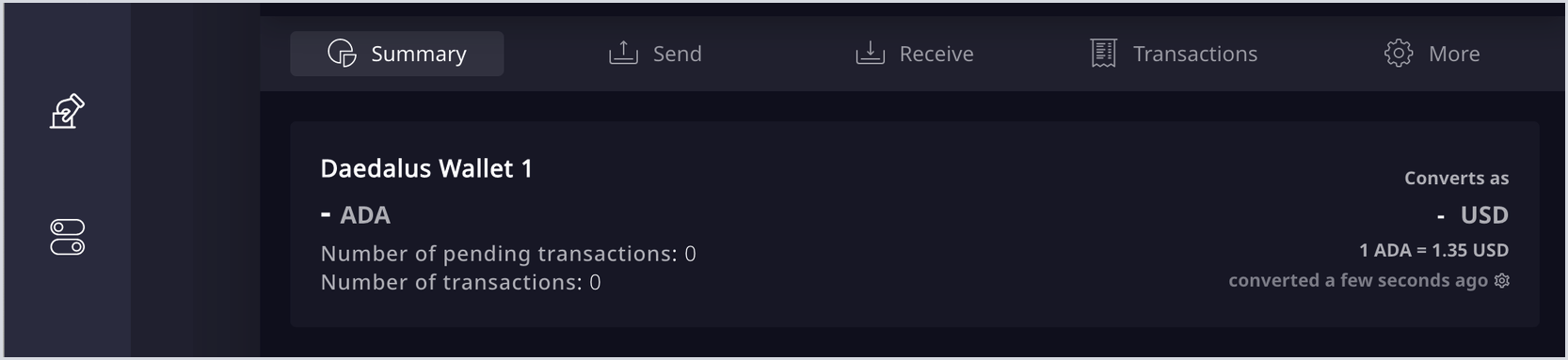
Select the Receive tab.
-
Copy any of your wallet addresses.
-
Visit the exchange or wallet where your ADA was purchased/stored, and send your ADA from where it was purchased to the wallet address copied above.
Following the network processing time, your ADA balance will show on the wallet homepage.
To link an existing hardware wallet...
-
Open the Daedalus desktop application and allow it to sync to the Cardano blockchain.
-
Select Pair and ensure your hardware device is connected and unlocked.
-
Follow the on-screen prompts to connect your device to Daedalus, including approving the connection on your hardware wallet.
Your ADA balance will now show on the wallet homepage.
To link to an existing Cardano wallet using a key phrase...
-
Open the Daedalus desktop application and allow it to sync to the Cardano blockchain.
-
Select Restore to enter the 12, 15, 24, or 27 word mnemonic seed phrase for your existing Cardano wallet.
-
Choose your original wallet type and select Continue.
-
Follow the on-screen prompts to reconfigure your wallet.
Your ADA balance will now show on the wallet homepage.
To link to an existing Cardano wallet using a JSON recovery file...
-
Open the Daedalus desktop application and allow it to sync to the Cardano blockchain.
-
Select Import then Daedalus 'Secret.key' file and upload your JSON recovery file.
-
Enter your JSON recovery file password in the text box below and select Import wallets.
Your ADA balance will now show on the wallet homepage.